
Free printable 2027 year at a glance calendar
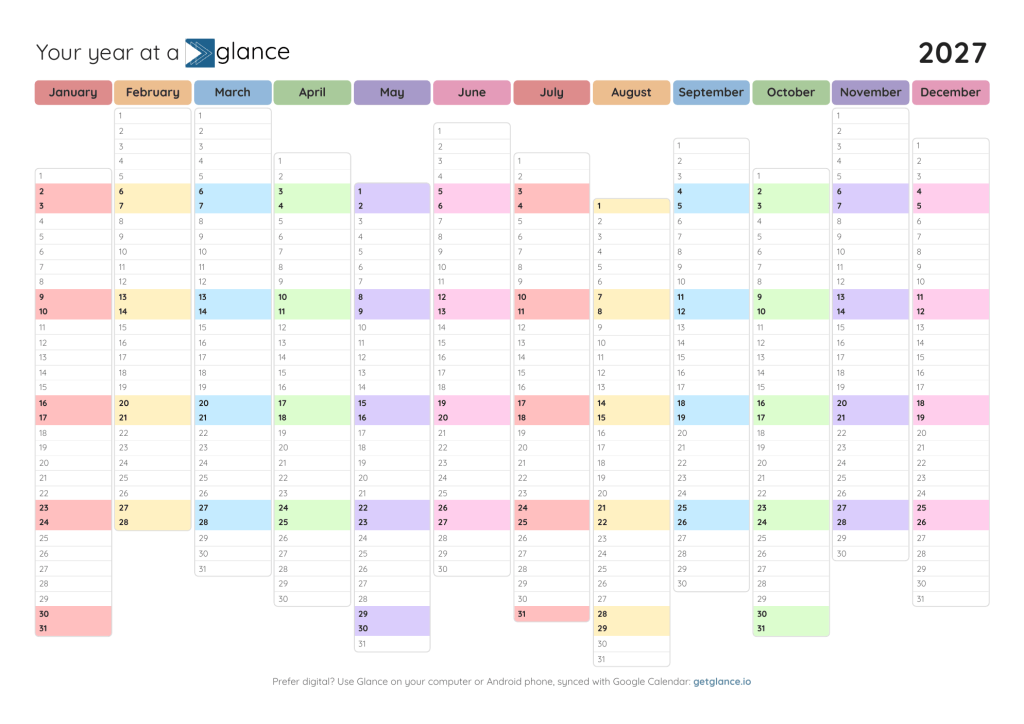
Your whole year at a glance. Pick the design you like, print it or fill it in on your computer, and stick it somewhere you’ll actually see it. It’s free, no sign-up needed.
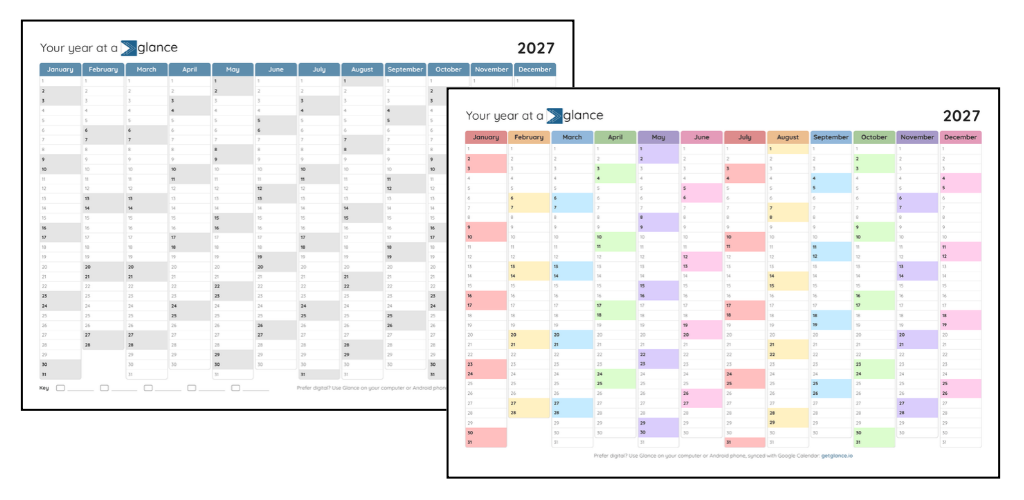
How to use
Every calendar is a fillable PDF, so you can use it whichever way suits you:
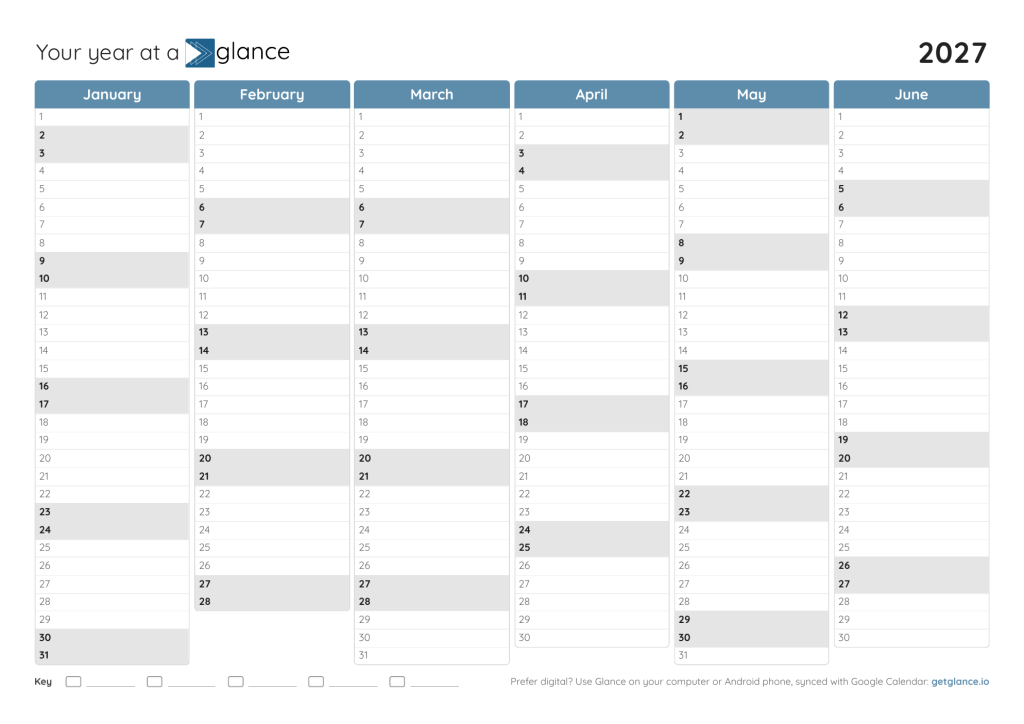
- Print it and write on it. Grab a pen (and maybe a few highlighters) and fill it in by hand. If you want to color-code your events, we recommend using the “Classic blue” version, which also has a key at the bottom that you can fill in with your own event categories.
- Type first, then print. Open the PDF in Adobe Acrobat Reader (free) or in your browser, click on a day and start typing. Longer notes shrink automatically to fit. Save it, then print. Tip: Mac Preview can show the text too big, so Acrobat Reader works best.
- Keep it digital. Open it in your favorite PDF or notes app, like GoodNotes or Notability, and fill it in there.
Pick A4 if you’re in Europe or most other countries, and US Letter if you’re in the US or Canada. When you print, choose “Actual size” or 100%, not “Fit to page.”
The entire year on one page
Classic blue
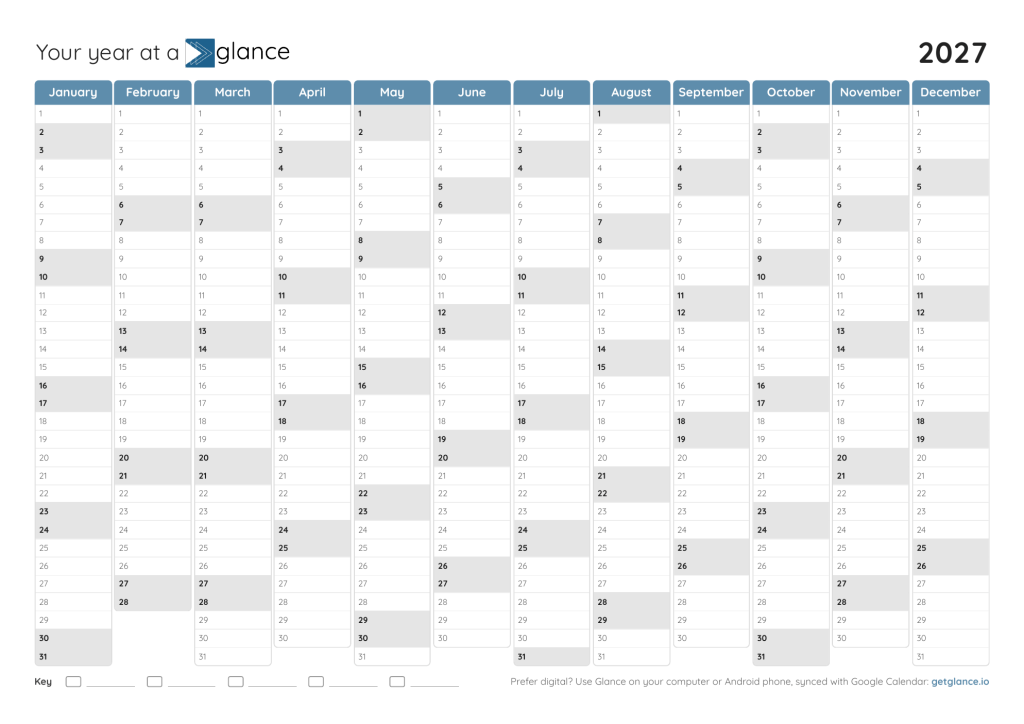
Pastel
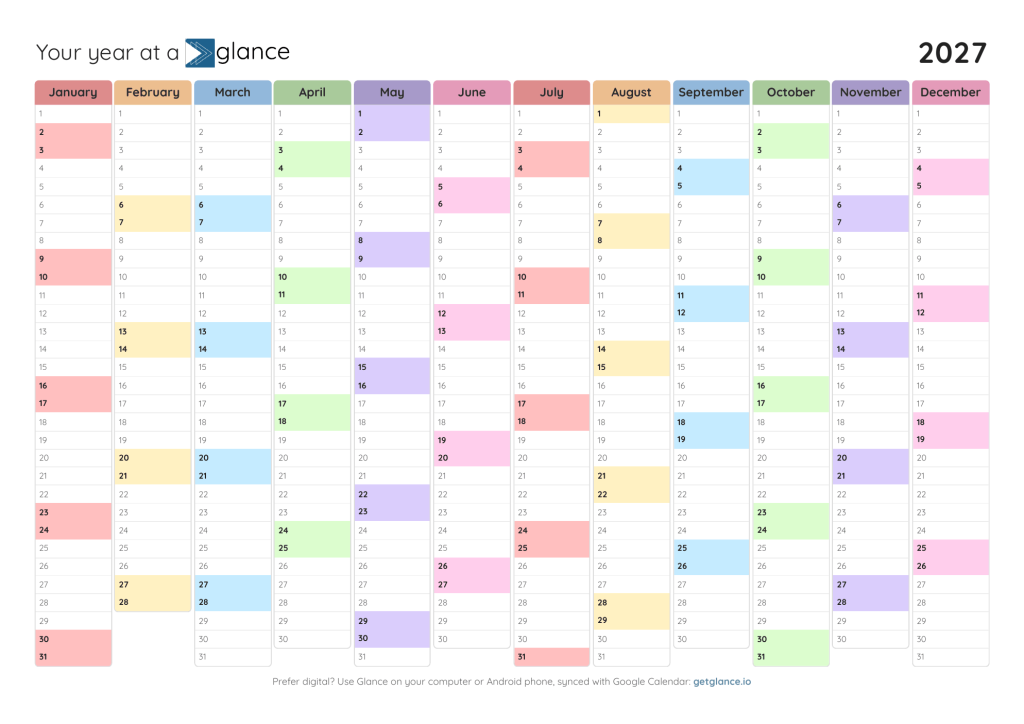
The entire year on one page, with weekends aligned
Classic blue
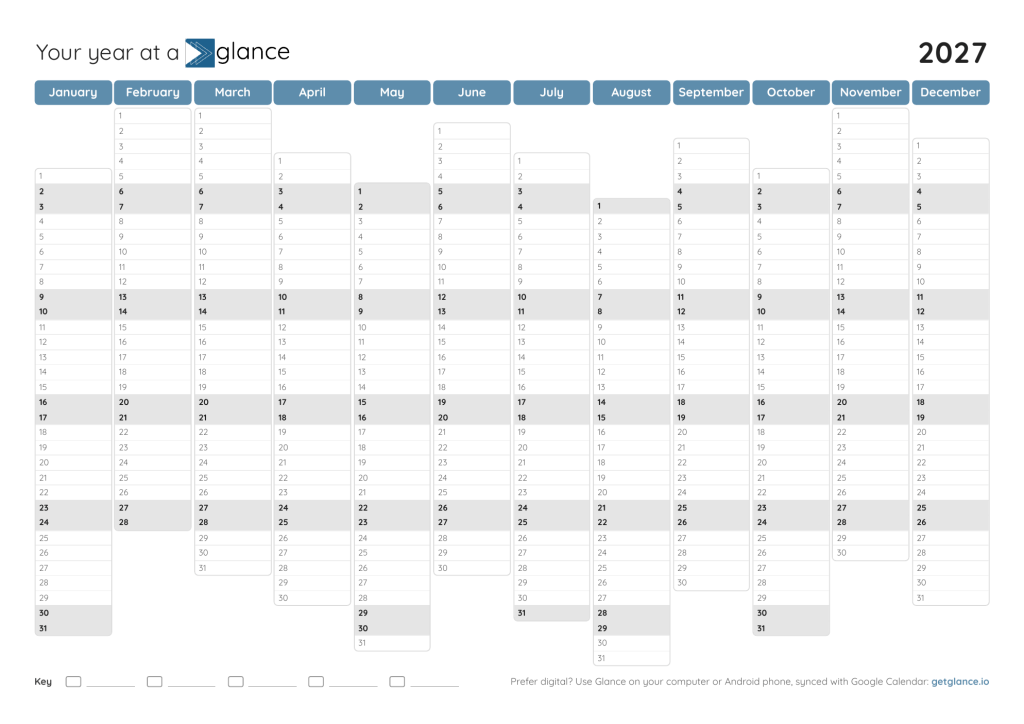
Pastel
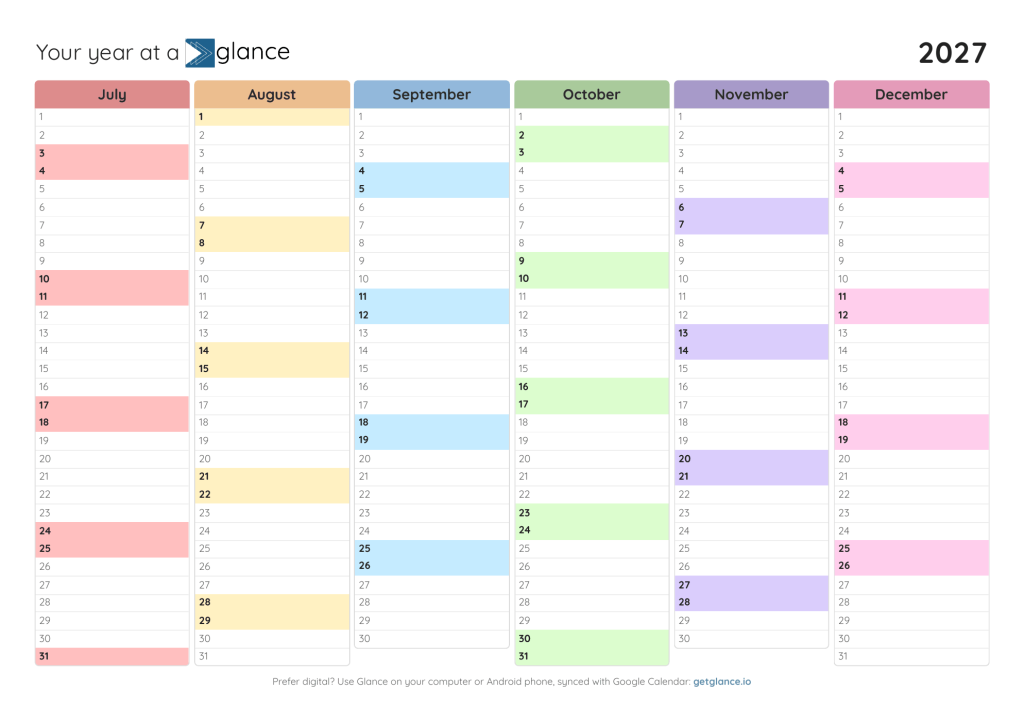
The entire year on 2 pages, with more room to write
Classic blue
Pastel
Paper or digital?
Paper is great. You can see it on the wall every day, and crossing things off feels good. But plans change, and a printed calendar doesn’t automatically change with them.
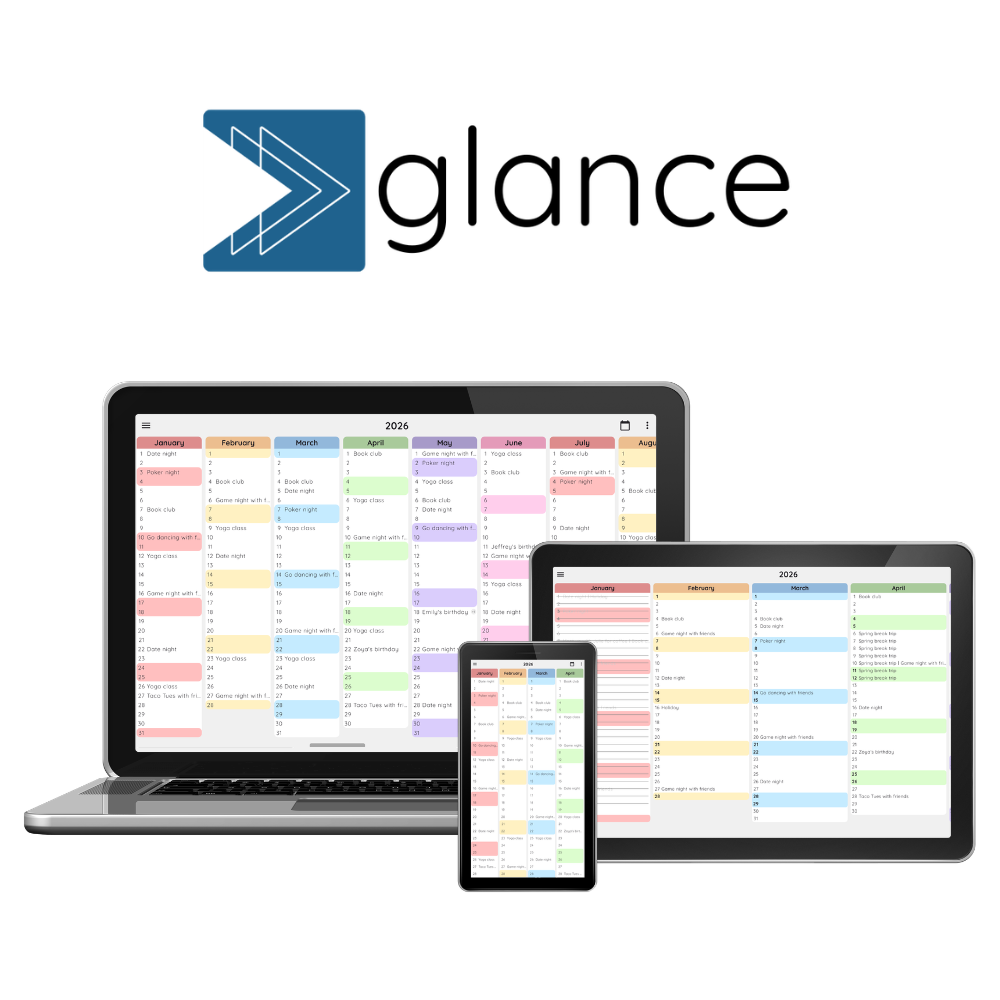
That’s why we built Glance. It’s the same year at a glance view, but on your computer or Android phone and synced with Google Calendar.
Join 1,400+ people planning with Glance
FAQs
We’d love to hear from you! Whether it’s a question, feedback, or just to say hi, fill out the form or send us a note at team@getglance.io.
For tips on planning smarter, sign up to our newsletter here.